|
Scan to iManage™
•Library - The administrator can either select a Library by clicking the blue Refresh button and selecting one from the dropdown, or the library can be set by default from the iManage™ tab from the Admin Panel
•Class - The administrator can select a Class by clicking the blue Refresh button and selecting one from the dropdown. Any metadata that is part of the selected classe will be displayed in the Scan Preview when the scan job is run.
•Subclass - The administrator can select a Subclass by clicking the blue Refresh button and selecting one from the dropdown
•Matter - In the Matter section, select the folder that the output file will save into.
•Folder - In the Folder section, select the folder that the output file will save into.
.png)
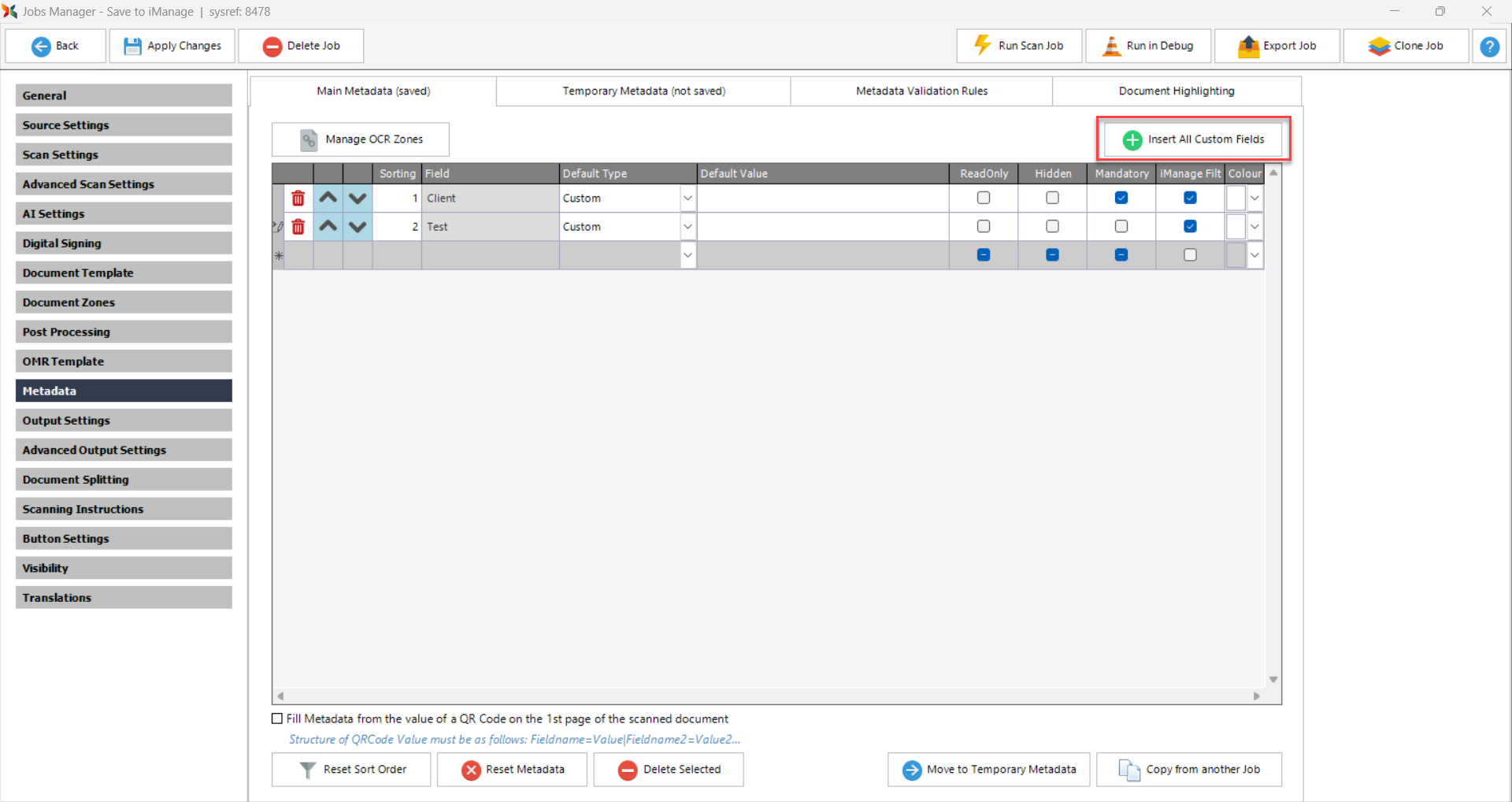
When a job saves to iManage™, the job's Metadata tab includes two additional options:
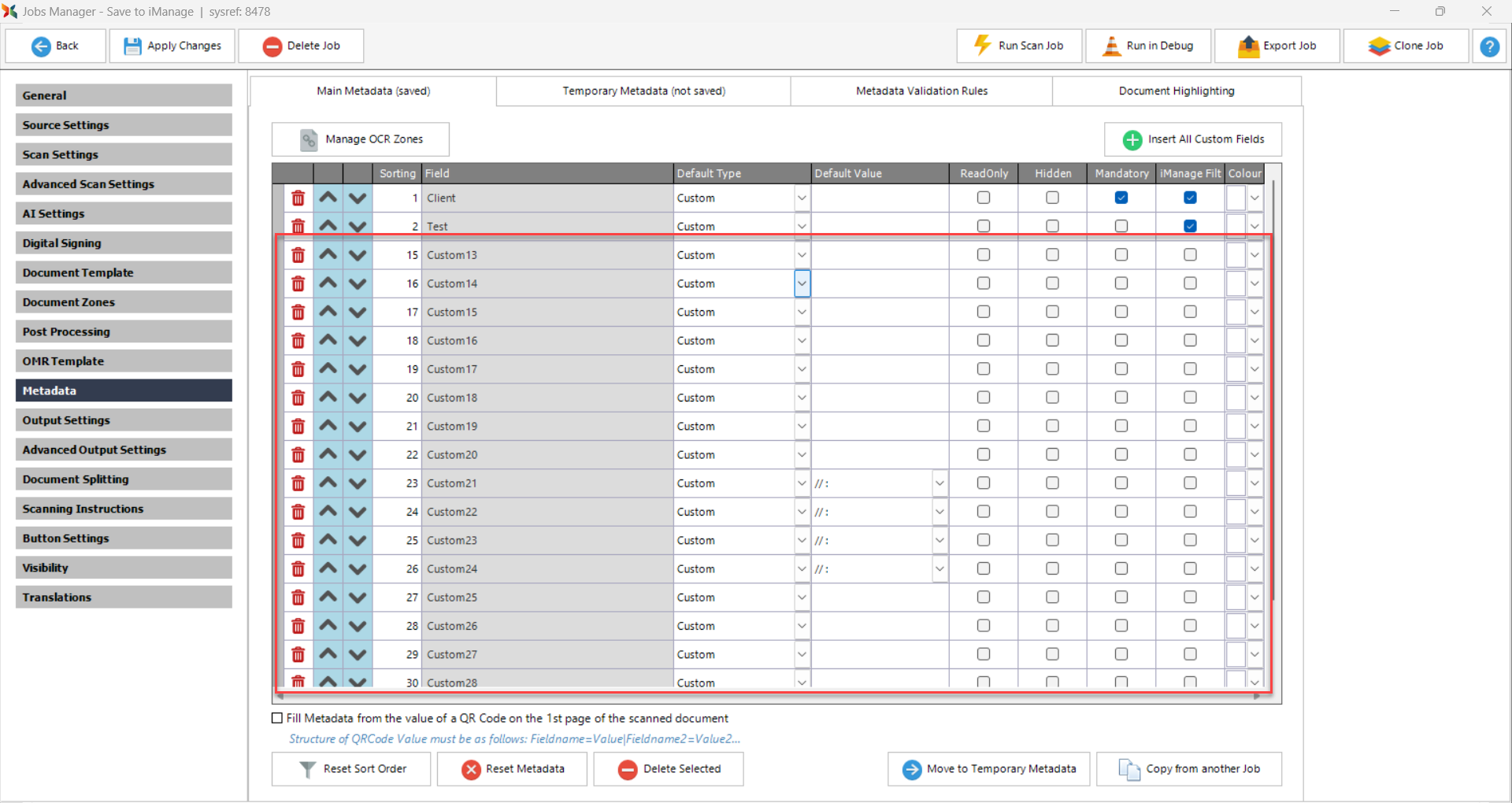
•Insert All Custom Fields button inserts all custom fields available from the iManage™ site into the job's metadata list.
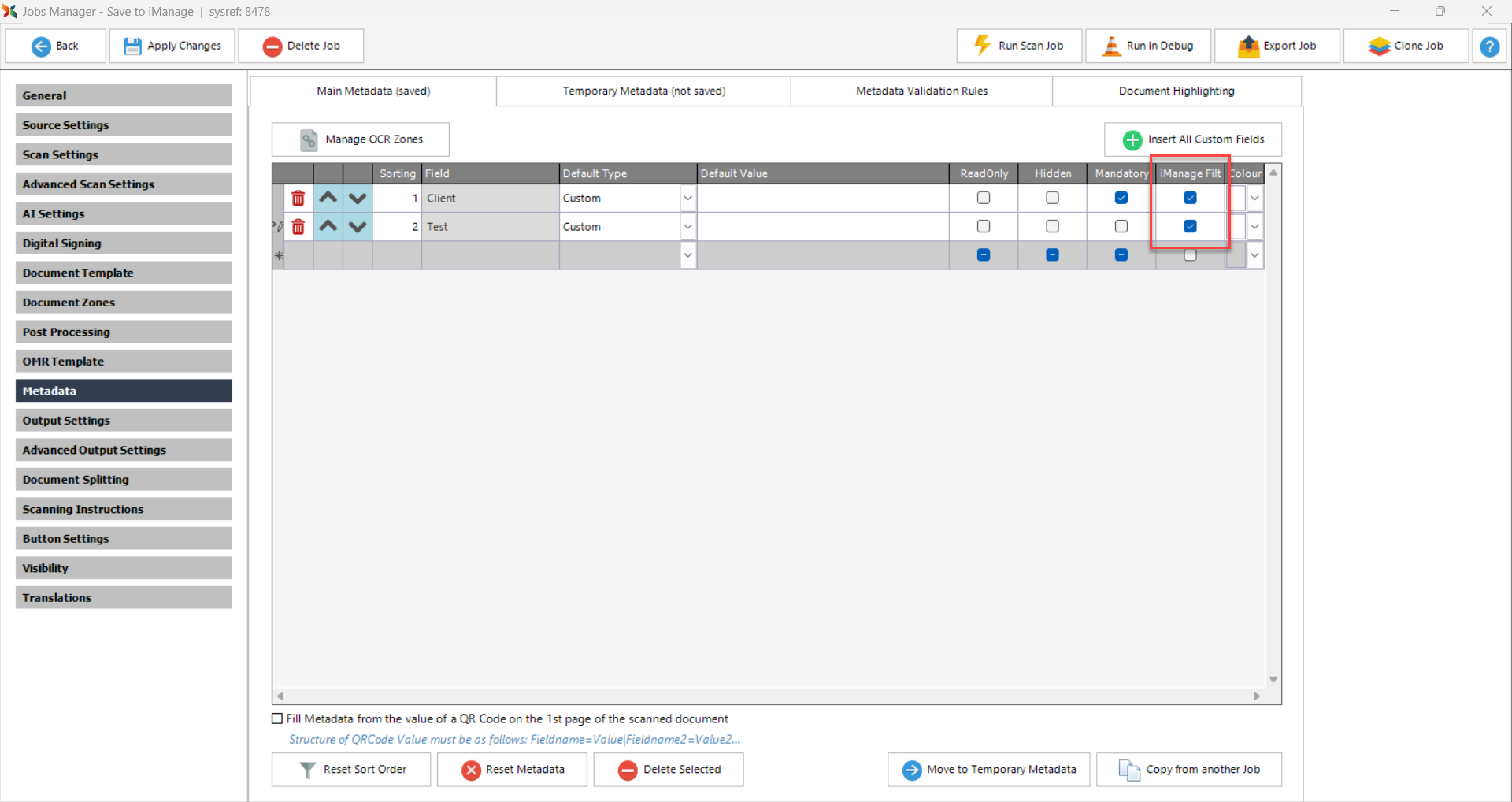
•iManage Filter column filters data from iManage™ depending on the metadata selected by the user when the job is run.
|

